
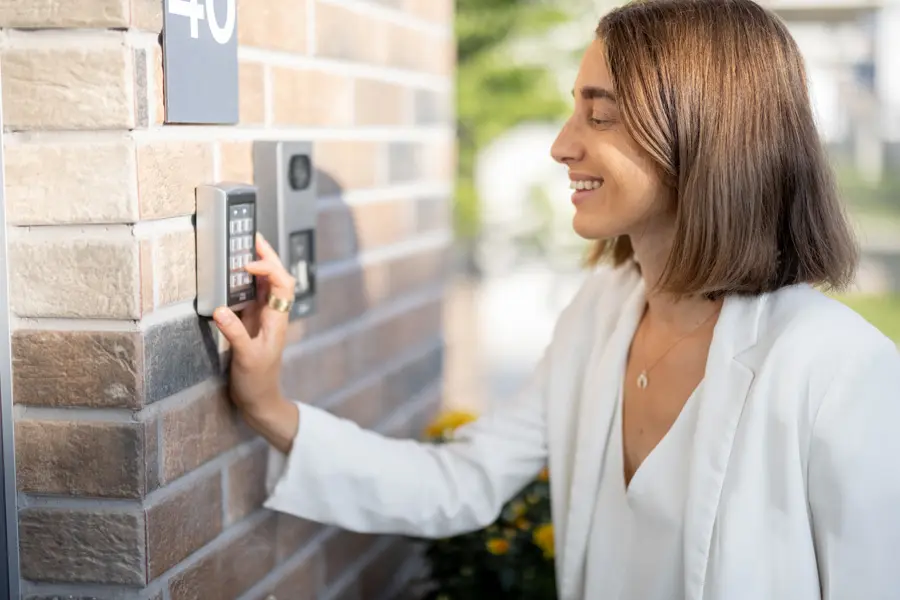
Arrival begins at the front door
A guest arrives late at night. They have a code, but the door in the instructions looks nothing like the entrance in front of them. A working lock is only one part of a successful self check-in. The address, directions, access permissions and contact for help all need to match.
Draw up a short operating plan for each property. Record the usual way in, what it requires and an alternative. Use the steps below to plan the process. Set times, responsibilities and technical arrangements to suit your property.
1. Check the whole route to the accommodation
List every access point: the gate, front door, stairwell, apartment door and garage, where applicable. A digital apartment key is of little use if the building entrance is locked in the evening. Check that the names and numbers in the booking confirmation and arrival message match the signs.
Walk the route with someone unfamiliar with the property. Give them only the information guests will receive. Wherever they stop or ask a question, add detail to the instructions. Use clear photos of the entrance and keep access codes out of publicly available images.
- Use an unambiguous address, including the building number and staircase number where applicable.
- Describe the correct entrance and the order of the doors.
- Test the route after dark, with limited signage and with the gate closed.
- Provide a monitored telephone number and agree who will answer.
2. Set access permissions, validity and release conditions separately
Decide who needs access and for which stay, then set the start time. An early arrival must not inadvertently open an occupied apartment or a room still awaiting cleaning. If a guest extends their stay, check the revised access period.
For its own Smart Hosting service, Nuki describes several access methods, including an app, keypad and web link. Their requirements differ. A web link, for example, requires a mobile internet connection. Test your chosen method in practice. Availability through a particular PMS integration must be checked separately.
my-bookings can connect key handover and supported locking systems with the reservation and guest information. During setup, we check which models, timing rules and release steps your property can use.
3. Put the fallback plan on one page
The fallback plan must be accessible when the normal system is unavailable. Store it securely with the people responsible. Keep complete lists of access codes out of unprotected group chats.
Nuki notes that a Smart Lock with flat batteries can no longer act on app commands. Mechanical access from outside depends on factors including the cylinder fitted. Have your fallback method tested on the actual door.
Agree who answers the first call, who can physically reach the property and who covers absences. The person on call should know their responsibilities and have tried the alternative entrance or opening method. A phone number helps only when someone is available. Recheck arrangements before extended absences.
| Situation | Procedure agreed in advance |
|---|---|
| Guest cannot find the entrance | Talk the guest through the route by phone using the same entrance photos. |
| Code does not work | Check the property, validity period and door, then involve the person responsible. |
| Battery or connection fails | Use the tested fallback. The person responsible restores normal service. |
| Guest arrives much earlier than agreed | Explain where they can leave luggage or wait. Release access once the property is ready. |
4. Rehearse the exceptions
Suppose the Garden View apartment is occupied until 10 am and the next guest is due from 3 pm. In a trial run, check access before the code becomes valid, after it becomes valid and after the stay ends. Also test an extension and a last-minute cancellation. Record the outcome, date and person responsible.
These example times illustrate the test. Use the times agreed with your own guests and make sure your messages, bookings and access settings all match. Use a planned test stay or an empty unit so no real guest risks being locked out.
5. Recheck after every change
Update the instructions whenever a door, sign, on-call contact or access system changes. After an incident, make a short note of the cause, how the guest was helped and what needs to change. One question can improve the process for future arrivals.
my-bookings helps coordinate stays, guest communication and compatible access technology. Your property remains responsible for an available contact and an independent fallback. You can offer both a personal welcome and self check-in, provided guests can clearly identify the arrangements for their stay.
