
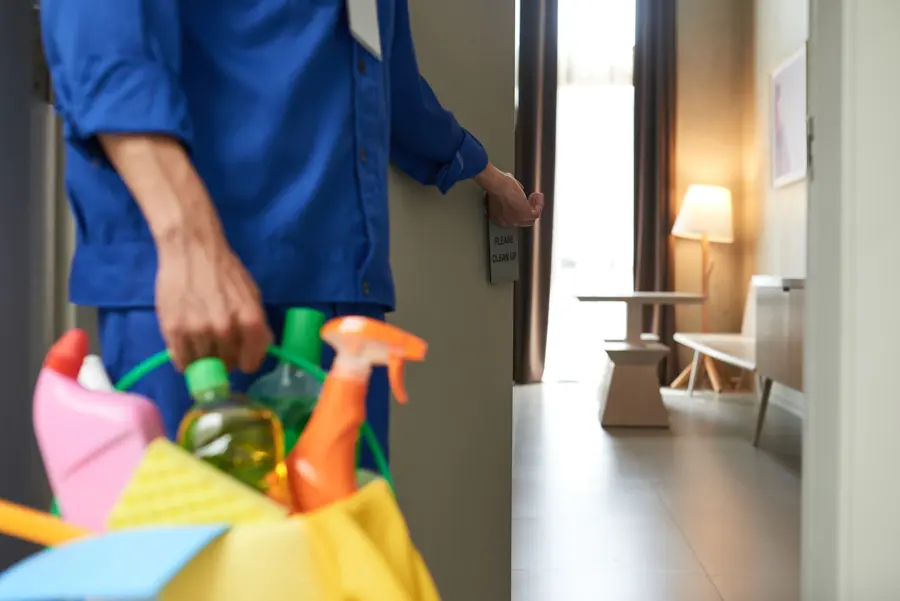
The handover between departure and arrival
On changeover day, several things can happen at once: a guest checks out late, an apartment needs extra linen and the next arrival is already at the door. Your team needs more than a list of room numbers. They need to see which unit takes priority, who is responsible and what information is still missing.
A good daily plan distinguishes scheduled cleaning from the actual condition of the unit. A booking may show it as vacant while it still needs work before the next guest arrives. Reception, housekeeping and management should agree how to handle each handover.
Build the daily plan around the time available
Start with the day's departures and arrivals. Add stayover cleans, agreed extras and any known requirements. Prioritise units with the shortest turnaround. A large apartment with an early arrival may need attention sooner than a small room with no incoming guest.
For quick changeovers, Airbnb suggests a reusable checklist, extra linen and a backup for cleaning or maintenance. Put that into practice by checking supplies and cover before your busiest hours.
- Check departure and the next agreed arrival for each unit.
- Flag late departures and confirmed early arrivals.
- Assign a lead and a backup for each time-critical unit.
- Set out linen, consumables and any keys needed before work starts.
- Pass on known damage or extra tasks before cleaning begins.
Define four operational states
Agree what each status means. A simple model is: still occupied, ready for cleaning, cleaning complete and released for guests. These are suggested process stages. The names and controls available in your software may differ. The aim is to prevent an unclear update from releasing a room too early.
Decide who makes the final call. In a small property, the same person may clean and check a room. In a larger team, a second person may inspect it. In either case, everyone should know whether marking a job complete includes the final check.
| Handover | What to confirm |
|---|---|
| Reception → Housekeeping | Guest has left, unit is accessible and next arrival time is known. |
| Housekeeping → Person responsible | Work is complete. Damage, missing supplies or outstanding tasks have been reported. |
| Person responsible → Guest services | Unit checked and released, or a specific question still needs an answer. |
Fit PromaApp into the process
With a compatible PMS, PromaApp provides views for arrivals, departures and stayovers. Connected to my-bookings, it lets staff check relevant booking and cleaning details on the move and report progress. What they can see depends on your setup and their permissions.
The app is available for Android, iPhone and iPad. Agree access and integration with support before use. Live changes and status updates require an internet connection. Agree how the team should make contact if they lose connectivity at the property.
Walk the team through a sample booking from start to finish: find the correct unit, check the departure, complete the task and report back. Marking a clean complete in the app does not replace checking the room itself. Staff should also know how to report damage to the right person.
Example: three units, two arrival times
A sample daily plan includes the Garden View apartment with a 2 pm arrival, City View studio at 4 pm and the Courtyard room with no new arrival. Garden View also needs its sofa bed made up. The units and times are illustrative.
Once departure is confirmed, the team starts in Garden View and checks for the extra linen straight away. If it is missing, they report it immediately. City View follows as staffing allows. Courtyard stays on the plan, but its position on the list alone does not give it priority.
If a departure changes, the person responsible updates the order and tells those affected. Team members can then follow the current plan without piecing it together from several messages.
Finish with a short final check
Choose a few points that are easy to verify: beds and bathroom prepared, agreed extras in place, visible damage addressed, windows and access checked. Add anything specific to your property. Give occasional deep-cleaning jobs their own schedule to keep the daily list manageable.
At the end of the day, review unfinished units and recurring obstacles. A linen shortage calls for a different remedy from unclear departure information. Cleaning lists and PromaApp bring the information together. They work best when everyone understands responsibilities, updates and room release in the same way.
