
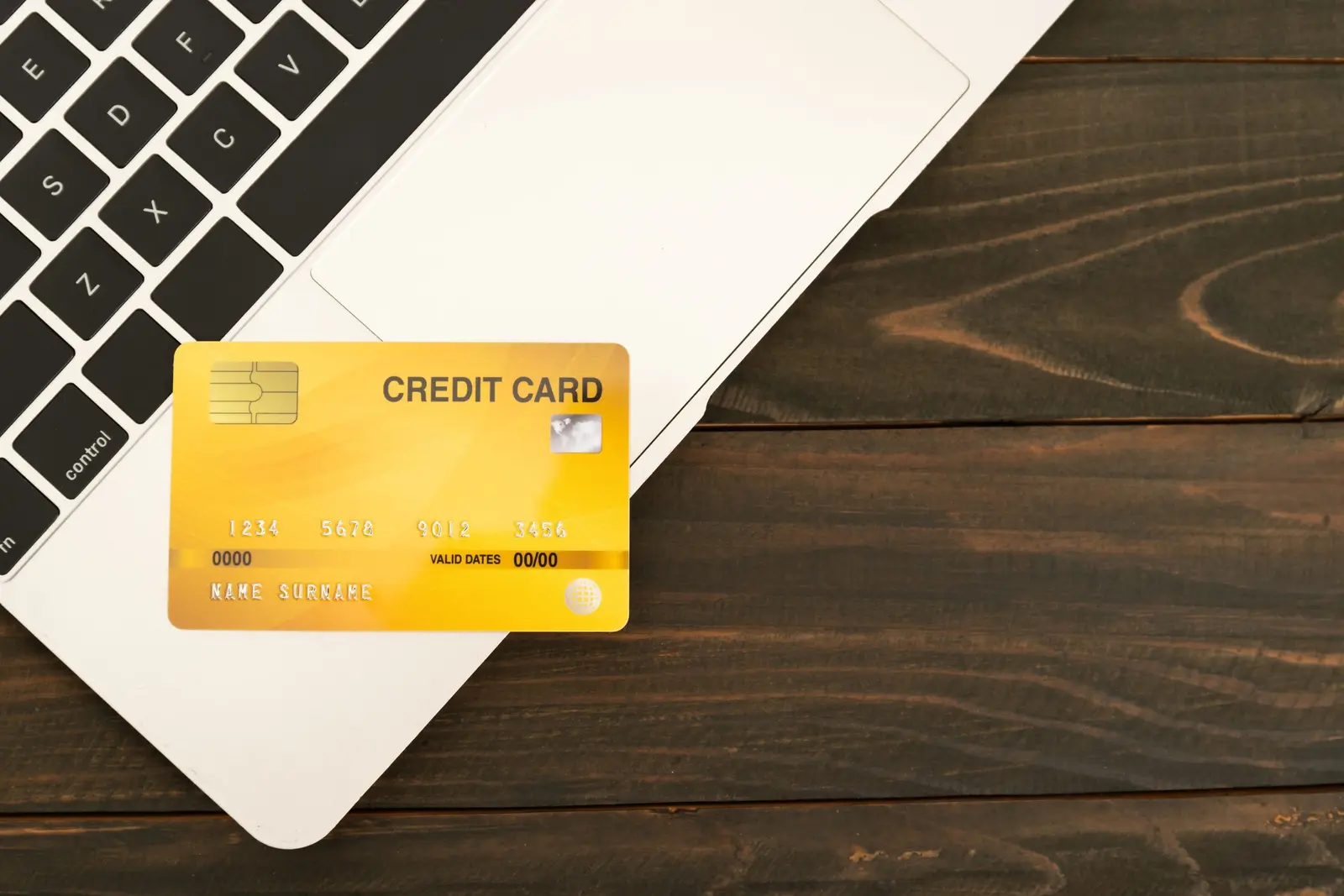
A confirmed booking does not confirm payment.
A guest arrives tomorrow. The reservation is confirmed, a card is on file and a payment message has been sent. The balance may still be outstanding. For a smooth arrival, keep three facts separate: what was agreed, what has been received and what still needs to happen.
Use a shared payment schedule and a short list of exceptions. The following process is a practical suggestion for hotels and apartment operators. Payment terms and methods depend on your agreement, the booking channel and the payment provider.
First establish who collects each amount
Start with the booking source. Does the guest pay the portal or your property directly? Which charges are already covered and which are billed separately? Starting with the wrong assumption can lead to requesting an amount the guest has already paid.
For each reservation, record at least the agreed total, deposit, balance, due date, payment method and contact for questions. Link payments to a unique booking or invoice reference. Searching by name alone is unreliable for similar names or repeat stays.
A simple payment schedule
Suppose a stay costs €960. The terms call for a 30% deposit and the balance seven days before arrival. The deposit is €288 and the balance €672. The example illustrates a clear breakdown. Set contractual terms suitable for your own business.
If the guest extends their stay, reconcile the revised total with payments already recorded. Avoid issuing a second request for the original outstanding amount. Record which change produced the new balance.
| Step | Example amount | Check |
|---|---|---|
| Deposit | 288 € | Has the payment actually been confirmed? |
| Balance payment | 672 € | Check the due date and payments already received |
| Change to the stay | Recalculate | Credit amounts already paid |
Read payment statuses accurately
Stripe's documentation distinguishes saving a payment method from collecting money. It also distinguishes a payment in progress, a payment requiring further action and a completed payment. These distinctions are useful with other providers too, although their labels may differ.
Make sure everyone knows that a card on file is not proof of payment. A card authorisation or hold is also different from a completed charge. Record the status confirmed by the payment provider and the corresponding reference.
- Not yet due: check on the scheduled date.
- Processing: check the outcome and avoid starting a second collection.
- Guest action required: explain the secure payment steps to follow.
- Failed: check the cause and payment history before requesting it again.
When the bank asks for confirmation
Card payments may require additional authentication, such as 3D Secure. In particular, a charge made later may require the guest to act again. Stripe explains the difference between immediate and subsequent payments in its SCA guide.
A helpful message gives the booking reference, outstanding amount and next step. Use only the secure process provided by your payment service. Never request full card numbers, security codes or photos of cards by email or messenger. If payment links are supported, verify the recipient, amount and destination URL before sending.
A daily review of exceptions
Assign someone to check upcoming arrivals with outstanding amounts at a set time. Their backup should be able to see the last check and whether a message has already been sent. This avoids three staff members sending the same guest three different reminders.
Before enabling an automation, test five cases: a standard advance booking, a last-minute booking, an extension, cancellation after payment and a failed charge. Check the outstanding balance and the messages actually triggered in each case. Keep refunds traceable as separate transactions.
How the process fits into my-bookings
my-bookings can link reservations to payment terms and configured payment actions. The available timing, conditions and actions are set up for your property and payment provider. Providers include Stripe, Unzer, PAYONE and PayPal. The Stripe sources linked here explain payment statuses. The actions available to your property depend on your account, contract and configuration.
The incoming payments tool supports workflows with easybill to match receipts to invoices. Automation takes care of recurring steps. Your team monitors exceptions and checks that each payment really belongs to the right transaction.
