Handle multiple transactions
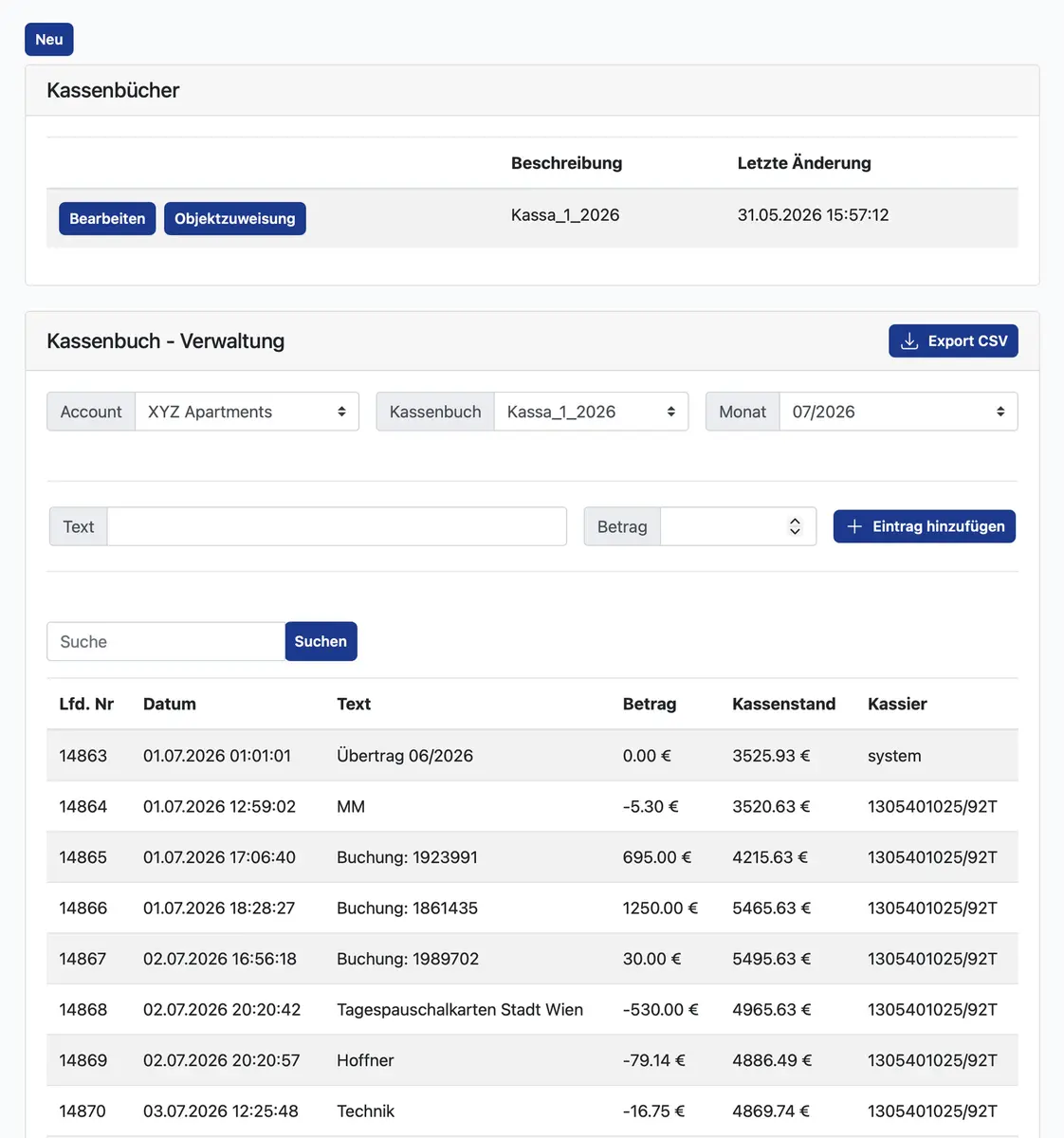
The tool supports managing incoming payments and assigning them to several invoices.
MATCH PAYMENTS TO INVOICES
Incoming payments and issued invoices belong together. my-bookings supports matching receipts to the corresponding documents in easybill, making routine reconciliation easier to organise.
Checking a large number of invoices individually becomes time-consuming. Different payment methods or several related documents make accurate matching especially important for the accounting process.
The tool supports managing incoming payments and assigning them to several invoices.
Following the appropriate allocation, the corresponding easybill invoice status can be updated to paid.
A shared overview helps you consider invoices, incoming amounts and their allocation together.
FINDING YOUR RIGHT WORKFLOW
We discuss payment routes, invoicing and the information required for matching transactions.
The available easybill workflow is set up for your account and requirements.
Allocate transactions and review outstanding or unclear amounts that need further investigation.
The function supports reconciliation but does not replace checking ambiguous receipts. We establish which information is available and which steps remain manual using your actual banking, payment and invoicing processes. Correct allocation remains essential for meaningful invoice status information.
BEFORE YOU DECIDE
A new system should make your day easier. Here are answers to the questions we hear most often.
No. The tool helps allocate incoming payments and does not automatically connect every bank. We review available data routes for your property.
They require your review. The aim is a transparent process in which exceptions can be identified and handled deliberately.
YOUR PROPERTY. OUR NEXT CONVERSATION.
Show us how you work today. We’ll show you which workflows my-bookings can connect for your property.
