Access by responsibility
Configure users according to their actual tasks and areas of responsibility.
APPROPRIATE TEAM ACCESS
Reception, housekeeping, accounting and owners have different responsibilities. User and permission management in my-bookings lets you configure access to menu items and functions around those responsibilities.
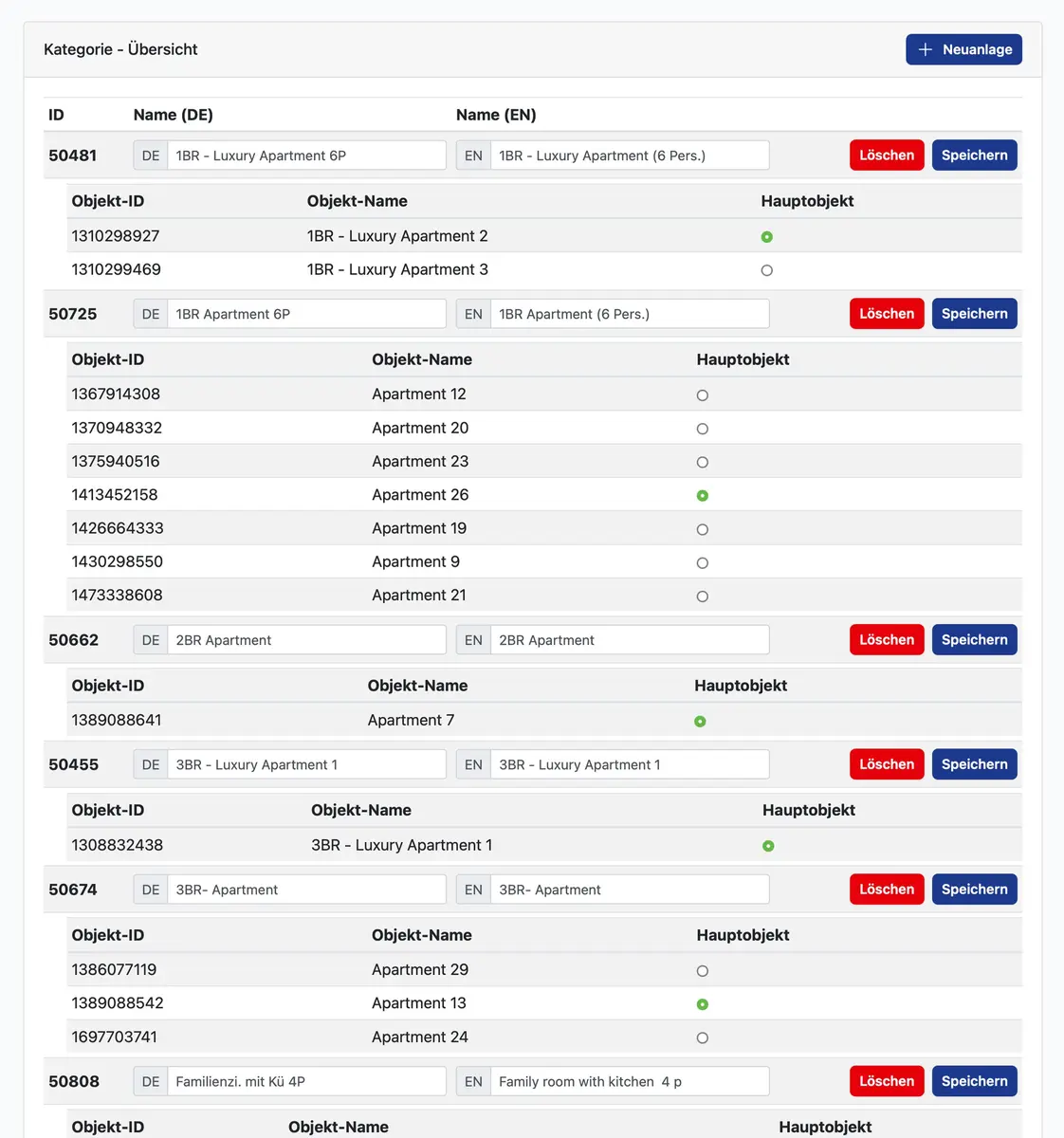
Giving everyone the same unrestricted access can make the interface confusing and responsibility unclear. Different roles benefit from a deliberately chosen view of the operation.
Configure users according to their actual tasks and areas of responsibility.
Define which menu items and working areas are available to each user.
Adapt permissions when people leave, join or take on different responsibilities in your business.
FINDING YOUR RIGHT WORKFLOW
We consider who works with my-bookings and which information each person needs.
Available rights are assigned to suit the individual roles in your operation.
Check access and remove permissions that are no longer required.
Permission management supports a clear organisational structure. We demonstrate the specific restrictions available using your roles and selected modules. Protecting credentials and keeping user access current remain part of your business responsibilities; the configuration should be reviewed as your organisation changes.
BEFORE YOU DECIDE
A new system should make your day easier. Here are answers to the questions we hear most often.
Yes. Access is agreed around each role. The PROMA app can also be incorporated into the housekeeping workflow.
Your responsible administrators should promptly remove user access that is no longer needed. We agree a practical process for managing this with your team.
YOUR PROPERTY. OUR NEXT CONVERSATION.
Show us how you work today. We’ll show you which workflows my-bookings can connect for your property.
