Focus on a period
Filters help you select relevant dates and areas so you can assess the booking situation.
YOUR BOOKINGS IN VIEW
The occupancy plan brings availability and reservations into one shared view. Whether you are handling a last-minute enquiry, upcoming arrivals or the next few weeks, you can work with an overview of your units.
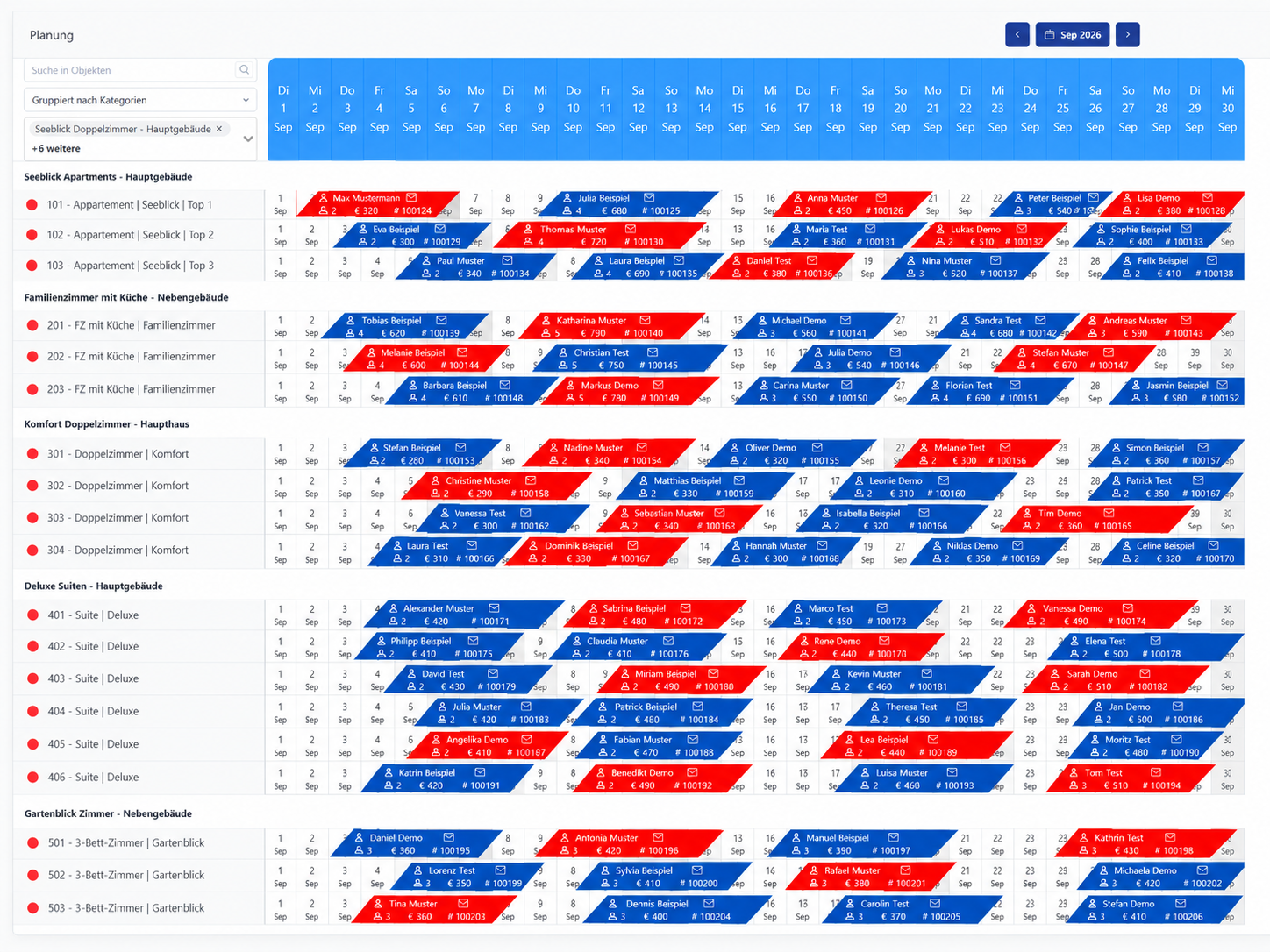
When bookings are spread across portals, spreadsheets and emails, even simple questions take time. Central planning makes it easier to understand how reservations fit together.
Filters help you select relevant dates and areas so you can assess the booking situation.
Consider current occupancy, upcoming stays and historical information within your planning process.
Browser access supports reviewing occupancy when you are not sitting at the reception desk.
FINDING YOUR RIGHT WORKFLOW
Rooms, apartments and categories are configured around the way your property operates.
Bookings from configured sources provide the shared basis for your team.
Support enquiries, resource planning and coordination with colleagues using the same reservation picture.
The occupancy plan complements channel management and operational workflows. The information displayed depends on your configured view. Available export functions support sharing information with other people involved in the business when required.
BEFORE YOU DECIDE
A new system should make your day easier. Here are answers to the questions we hear most often.
The plan displays your booking situation. The channel manager exchanges supported reservation and availability data with connected portals. They work together.
Yes. Planning is designed for managing rooms and apartments. We discuss the structure and suitable views using your property as the example.
YOUR PROPERTY. OUR NEXT CONVERSATION.
Show us how you work today. We’ll show you which workflows my-bookings can connect for your property.
